
diagrams that never break mid-thought
Mermaid diagrams and KaTeX math render as you type. A half-typed line keeps the last good drawing instead of flashing an error, and new boxes fade in once the line is whole.
a Markdown notebook that lives in your browser
Free, no account, nothing to install. Works in Chrome, Safari, and Firefox.
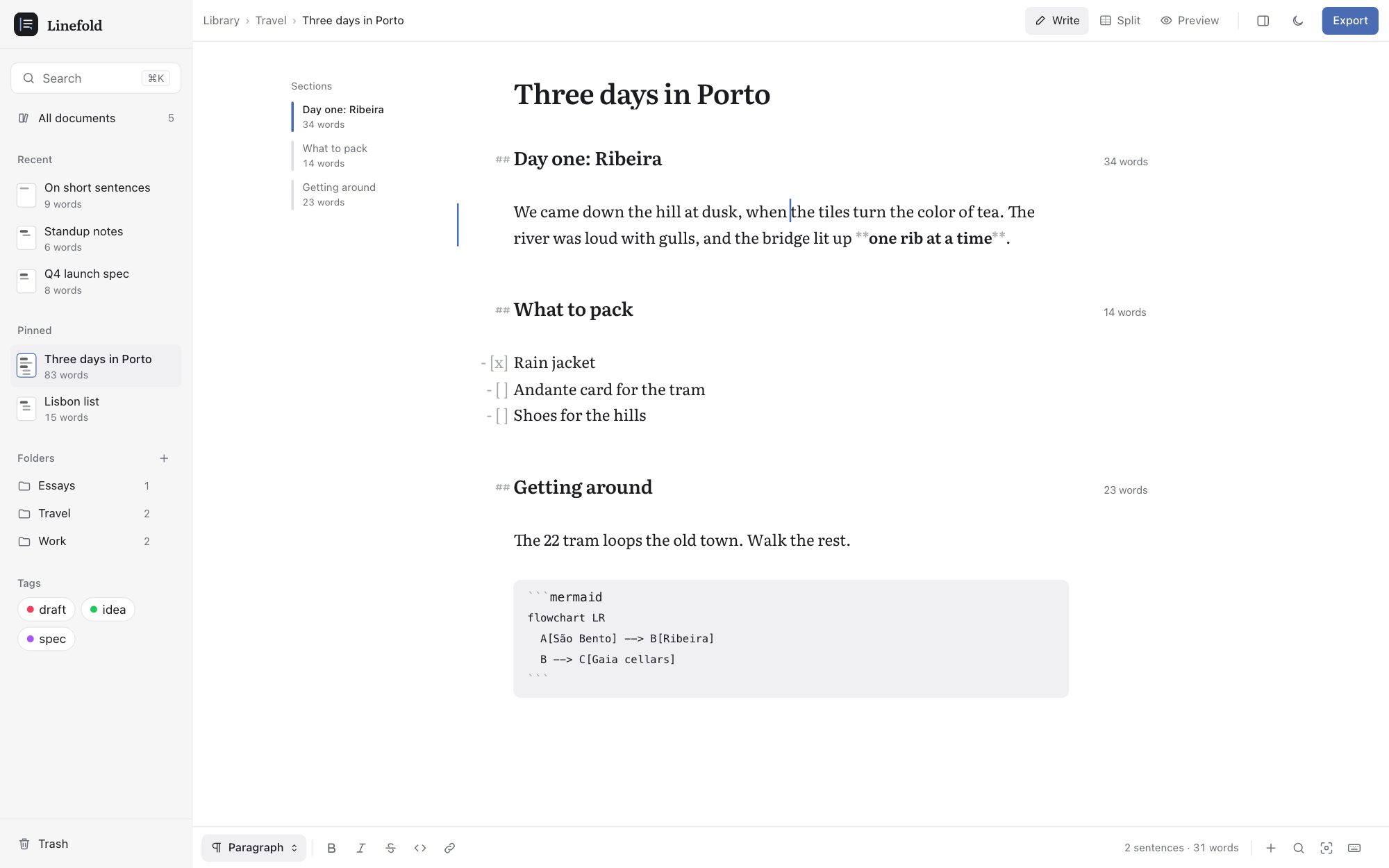
Mermaid diagrams and KaTeX math render as you type. A half-typed line keeps the last good drawing instead of flashing an error, and new boxes fade in once the line is whole.
Focus mode keeps the sentence you are on bright, softens the rest of its paragraph, and lets everything else fall away. Your line stays in the middle of the screen. Esc brings it all back.
Headings, bullets, quotes, and task boxes sit just outside the column, so every line of prose starts at one edge. You write plain Markdown, and it already reads like a page.
Yes. Writing, organizing, and exporting are free, and there is no account to make.
On your device, in this browser. Nothing is uploaded, and you can export everything as plain Markdown whenever you want.
Yes. Drop in .md, .txt, or a .zip of folders. They come in as they are, folders included, and Undo is right there.
Yes, in your phone’s browser, with Write and Preview sized for small screens.
More in Help.
Open a blank page, or bring the files you already have.